
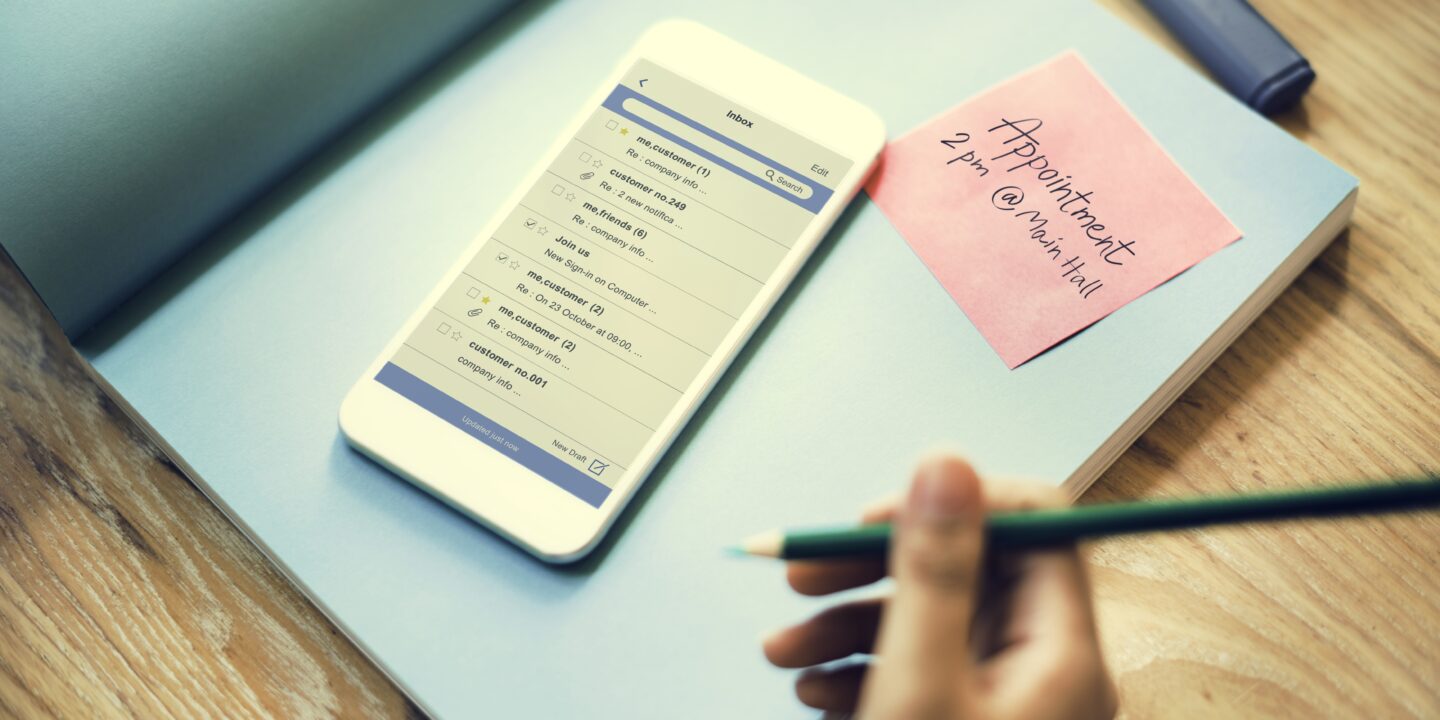
In today’s digital economy, information is the currency of any professional person. Each day brings executives, engineers, or consultants many valuable insights from their work. From client feedbacks and takeaways from project sync-ups to brainstorming and research data-trying to keep all of these valuable variables inside one’s mind causes low-level frustration and results in essential project details missing the mark.
Efficiency can only come from having a “Second Brain” or a proper note-taking app that organizes all data in one structured place. Efficient people know that choosing the best platform is dependent on one’s own unique way of thinking.
Structured Document Printers & Corporate Wikis (Corporate Notebooks)
For corporate workers, managers who run multiple client portfolios, or professionals whose workflow involves tight email and spreadsheet integration-the mainstream, structured corporate document apps should be utilized.
Microsoft OneNote – This app is a mandatory staple for any professional person working in the Microsoft office environment (or in Microsoft 365 suite). OneNote is built as an online digital version of a three-ring binder, dividing information into multiple notebooks and color-coded sections. OneNote has an infinite canvas layout which enables users to click anywhere on the sheet to start typing, add spreadsheets and pdf files or write with a stylus.
Google Keep – The ultimate minimalist’s dream note-taking application. Being fully native in Google Workspace suite, Keep functions as the live-wall of sticky notes. It’s great when you need to rapidly capture thoughts during a phone conversation or create a list of checklists or pinned reminders that will show up instantly in your Gmail and Google Calendar sidebars.
Block-Based All-In-One Databases (The Workspace Creators)
Those who find traditional word-processing software boring and limiting, but wish to have one interconnected workspace for their meeting notes, projects, internal documents, and client management-the database-driven workspace platforms might be a right choice for you.
Notion – The king of all block-based workspace apps. In Notion, text is not processed as static strings but as flexible blocks. Each block can be turned into a kanban board, list, piece of code, or database table. In Notion, professionals build beautiful corporate wikis, schedule media content calendar, and create private, visually pleasing client projects.
Bidirectional Graph Thinkers (Deep Network Builders)
Researchers, strategists, software engineers, and writers who work with thousands of interconnected ideas over extended periods will feel uncomfortable within traditional folder-based layouts. The following apps treat each note as a node in the interactive graph.
Obsidian – The most efficient note-taking app built on plain text. Your notes are stored in the .md format on your PC and the entire database operates on bidirectional linking principles. By typing two square brackets around a certain word or phrase, users can automatically create a backlink to the other file. As the collection gets larger, the software starts visualizing the network of interconnected notes in the form of dynamic graph map.
Hardware-Native Ecosystems (Frictionless Solos)
There is nothing more annoying than launching a large application whenever an idea pops into your mind or you get a phone call. When it comes to solo-operators, who crave fast, smooth experience, and deep operating systems integration – hardware-native apps become the right choice.
Apple Notes – The best note-taking app for iOS/Apple ecosystem. It opens immediately when launched, has an amazing document scanner that uses your camera to scan paper documents and turn them into PDF files. Apple Notes has biometric protection for each private entry and is synchronized for free with all your iCloud accounts.
Quick-Scan Professional Matrix
| Software Name | Organizing Method | Storage Location | Collaboration | Best For |
| Microsoft OneNote | Notebook structure with tabs and pages | Microsoft OneDrive Cloud | High (shared notebook links) | Corporate professionals and stylus/tablet users |
| Google Keep | Dynamic grid-based notes | Google Drive Cloud | Moderate (shared note cards) | Quick reminders and sidebar text captures |
| Notion | Modular blocks and database tables | Notion Cloud | High (real-time collaboration) | Building collaborative team wikis and systems |
| Obsidian | Bidirectional graph-based organization | Local Storage | Low (primarily solo workflow) | Researchers, developers, and privacy-focused users |
| Apple Notes | Standard folders and list organization | iCloud Cloud Storage | Moderate (shared cloud folders) | iPhone and Mac users needing instant note capture |
Frequently Asked Questions (FAQ)
How can I protect client’s confidential information in a note-taking app?
To ensure top-notch information protection, one must practice good digital security. Using mainstream, cloud-based apps such as Notion, OneNote, and Google Keep means you must enable Multi-Factor Authentication in all your primary account. This will make all your log-ins request secondary confirmation by sending SMS code to your smartphone. However, if you are working in fields where privacy matters greatly, such as defense, legal, and medical sectors – consider using an offline-first solution such as Obsidian. Your documents will be stored on encrypted local hard-drive.
Is it better to type notes or take handwritten notes during client meetings?
It really depends on the purpose of the discussion. While typing notes with keyboard is unbeatable when it comes to data speed and precision, taking notes by pen will be better in the case when you need to develop some rapport or work out sales strategy. Using an iPad and its stylus inside the OneNote application or sticking with classic pen and paper will give you an advantage of maintaining eye contact.
How do I prevent my note app from becoming an information mess over time?
Information overload and bloat will only accumulate with time. The best advice is to spend a fixed amount of time each week performing a note cleanup ritual. Try not to waste energy organizing notes on daily basis. Instead, throw everything in “Inbox” folder and then spend 30 minutes once per week sorting notes by adding titles and proper tags, archiving old notes or deleting casual ones.
Can my note-taking tool integrate with email inbox?
Modern applications offer extremely easy integration with the email account. For example, Google Keep offers an ability to display notes right next to your Gmail messages. You can even drag incoming emails directly on the note card to turn it into action list. Microsoft OneNote has native plugins that allow users to automatically extract email messages’ bodies and insert them into any designated notebook.


About Me
Welcome to Freelancer Guides. I share freelancing tips, digital skills, online earning ideas, career guidance, and useful resources to help learners grow and succeed.
Recent Post




Gallery










No Comments